Parallel coding agents without losing context
2026-11-14 · 4 min read
The agent remembers its conversation. You forget which session was which. A notification arrives, and with many sessions across terminals it is not guaranteed to put you in the right one. These habits keep your own map intact.
- One workspace per task, named after the task.
- Read status from the rail, pin long-lived sessions, search the rest.
- Pro returns you to the exact pane. Free notifies.
One workspace per task
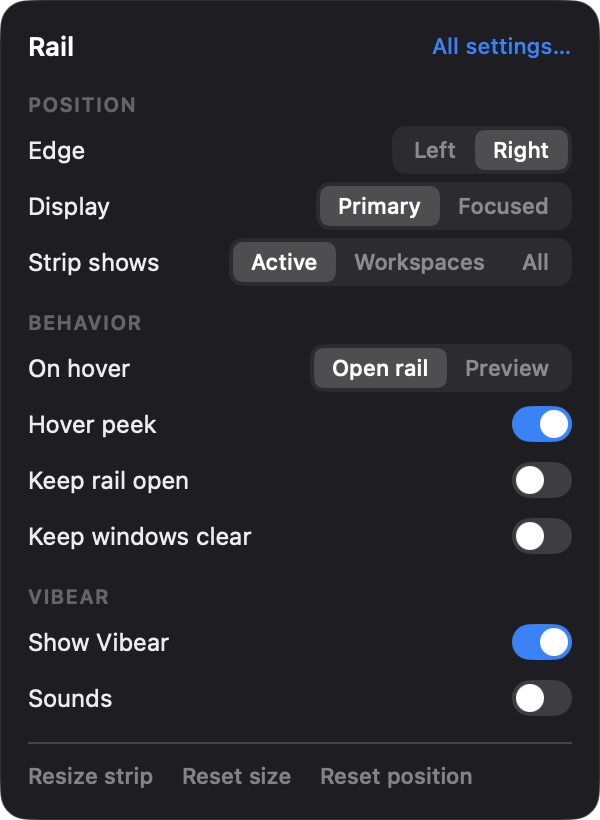
A workspace gives an agent its own checkout and branch, named after the task you typed. That name appears on the rail, so the list reads like your task list instead of three shell prompts.
A second agent on the same task, such as a reviewer, goes in the same workspace (t in quick-pick). A different task gets its own (n).
Read status, then pin and search
Amber means it needs you, purple means working, green means a response is ready, red means blocked or failed. Failed sessions you have not seen show red, not finished.
Pin sessions you keep returning to: press p in quick-pick, then 0 to jump to Pinned. For everything else, press Option+Space, then slash, and type part of what you remember.
| You want to | Do this |
|---|---|
| Find a session by topic | Option+Space, slash, type a word |
| Return to a long-lived session | Pin it with p, jump with 0 |
| Switch across apps | Agent Pane Switcher, Option+Tab (Pro) |
Get back to the exact pane
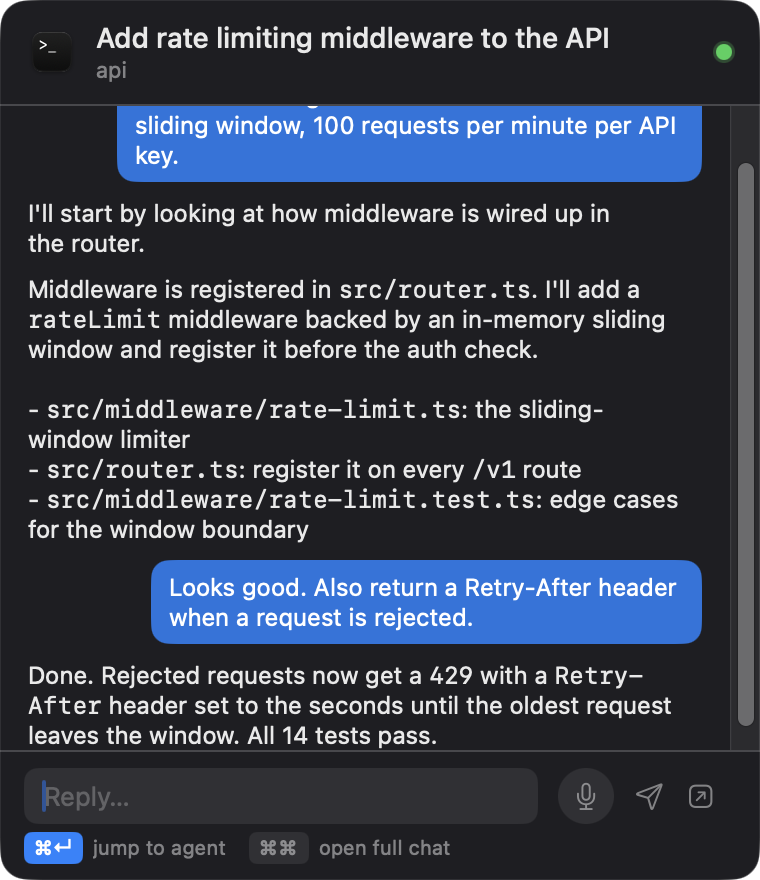
Finding the session is half of it. Pro lands you on the exact tab or pane in Ghostty, iTerm2, cmux, WezTerm, kitty, Warp, Apple Terminal, Orca, the Herdr app, tmux, and Zellij. If that target is gone, back2vibing falls back to the captured application window when possible.
The free tier notifies and shows the status. It does not return you to the session.
Try back2vibing
Every new install includes a 14-day Pro trial, and Pro is a one-time $19 lifetime license.
$
brew tap builtby-win/back2vibing https://github.com/builtby-win/back2vibing && brew install --cask back2vibing Install via Homebrew macOS
Frequently asked questions
How do I keep track of many coding agents?
Give each task a workspace, read status from the rail colors, pin long-lived sessions, and search the rest with Option+Space then slash.
Can I find a session by what it was working on?
Yes. Press Option+Space, slash, and type a word from the task. The Agent Pane Switcher also searches session titles, branches, and window titles.
Does it track agents in tmux or over SSH?
Yes. Exact SSH and tmux return are Pro.
What if the pane I left was closed?
back2vibing falls back to the captured application window when possible.
Keep reading
- How to run multiple Claude Code agents at once
- How to never lose a Claude Code tab
- Keyboard shortcuts for AI coding agent workflows
- Claude Code in tmux with multiple agents
- Multi-agent workflows
- back2vibing for Claude Code
- Switch between Claude Code sessions
- tmux support
- Agent Pane Switcher docs
- Workspaces docs