Raycast for coding agents: one shortcut to every agent session
2026-11-14 · 3 min read
A launcher gets you to an app. Agent work needs the exact session, and a notification click is not guaranteed to reach it. back2vibing is the keyboard-first layer for that: one shortcut, a list of agents, and with Pro a jump to the exact tab or pane.
- Option+Space opens the rail from any app. Number, arrows, Enter.
- Option+Tab opens the Agent Pane Switcher, Command-Tab for agents (Pro).
- It overlays your terminals. Returning to the exact pane is Pro.
One shortcut from anywhere
Option+Space opens the rail in keyboard mode, even if it is hidden down to a line. Rebind it in Settings, Shortcuts. The leader is free.
| Keys | Result |
|---|---|
| Option+Space, 3, Down, Enter | Second session of workspace 3 |
| Slash | Search sessions, titles, branches, rail actions |
| Command-Return | Next agent that needs you (Pro) |
| Option+Tab | Agent Pane Switcher (Pro) |
Command-Tab for agents
The Agent Pane Switcher lists running apps and expands one into its agent sessions, including those in tmux panes or on SSH hosts that Command-Tab cannot reach. It peeks the highlighted target, and Escape restores what it covered. It does not replace Command-Tab.
Where the analogy stops
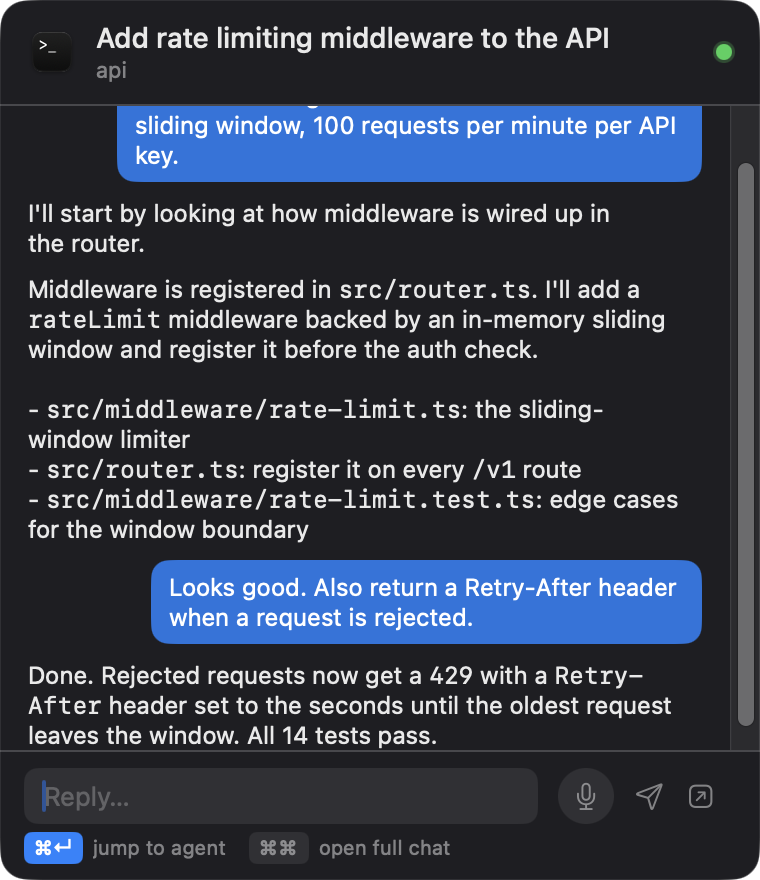
A general launcher opens apps. back2vibing only handles coding agents, but knows their state: Working, Needs you, Ready, or Blocked. A flyout lets you answer a question from where you are.
Agents keep running in your terminal, over SSH, or in apps like Cursor, Codex Desktop, and Conductor. The free tier notifies. Returning to a session, peeking, the inbox, and Chat are Pro.
Try back2vibing
Every new install includes a 14-day Pro trial, and Pro is a one-time $19 lifetime license.
$
brew tap builtby-win/back2vibing https://github.com/builtby-win/back2vibing && brew install --cask back2vibing Install via Homebrew macOS
Frequently asked questions
Is back2vibing like Raycast for coding agents?
In shape, yes: a keyboard-first overlay you summon from any app. It is specific to coding agents and, with Pro, returns you to the exact terminal tab or pane.
What is the default shortcut?
Option+Space opens the rail, and Option+Tab opens the Agent Pane Switcher. Rebind both under Settings, Shortcuts.
Does it replace my terminal or Command-Tab?
No. It overlays your terminals, and the switcher sits beside Command-Tab.
Which agents does it work with?
Claude Code, OpenAI Codex, Cursor, Gemini CLI, OpenCode, GitHub Copilot, and others. Open Agents in the app to see what is installed.